Memory64 GB DDR3
Storage500GB SSD
Network port10 Gbps
LocationMadrid
Spain•Madrid•10 Gbps
Compare 8 dedicated servers in Madrid with a 10 Gbps port, from 450 EUR/month. Review CPU, RAM, storage and the price of each configuration.
From 450.00 € / month · 8 configurations
Monthly server prices. Ask on Telegram about the included operating system and the additional IPv4 addresses you need.
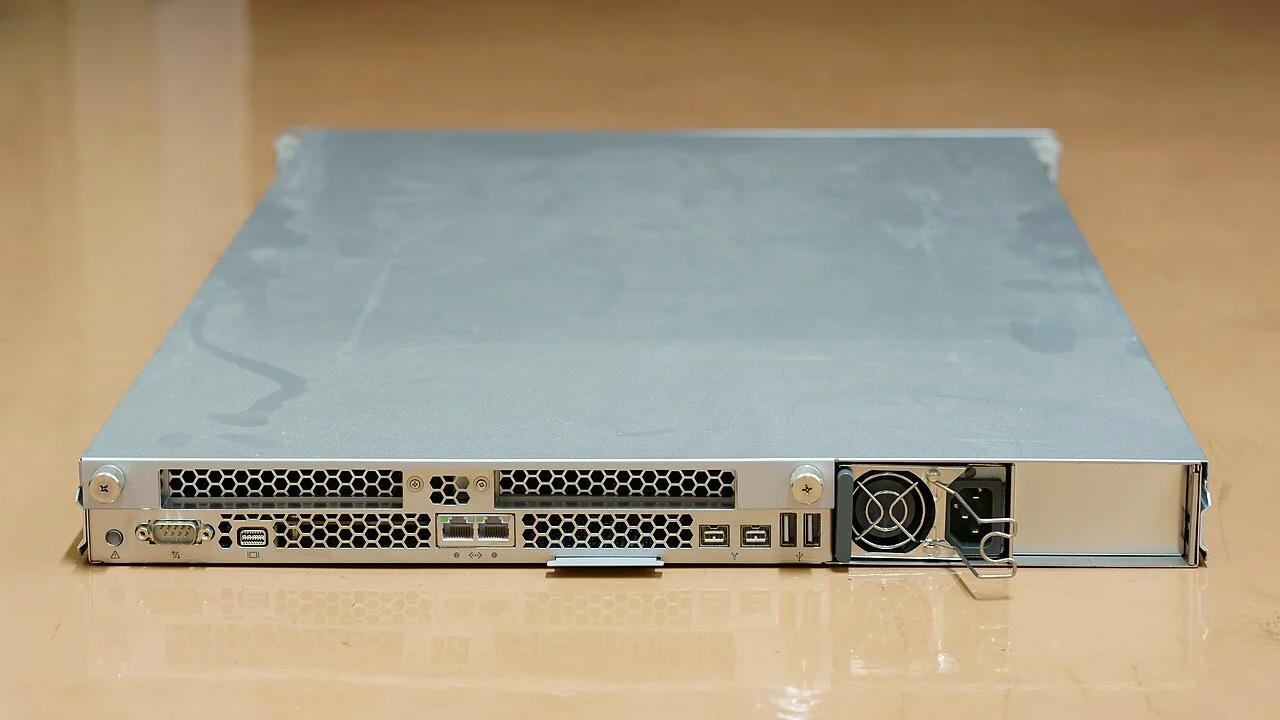
The Zenohost dedicated server catalogue for Spain includes eight configurations with a 10 Gbps port, based in Madrid according to the published plans. Memory options range from 64 to 768 GB, with SSD storage from 500 GB to 4 TB. Start your comparison with the software you intend to run: the database working set, application processes and local files all belong in your resource estimate. Check the individual specification rather than treating every server in this category as the same configuration.
After installing a Linux system, lscpu can report the processor architecture, sockets and CPU topology visible to the operating system. Keep that inventory alongside your selected plan and application requirements. A useful deployment checklist also records the chosen operating system, software versions and space needed for updates. This gives you a concrete starting point for installation and future changes; compare the server details and prepare your configuration enquiry before selecting a dedicated server in Spain.
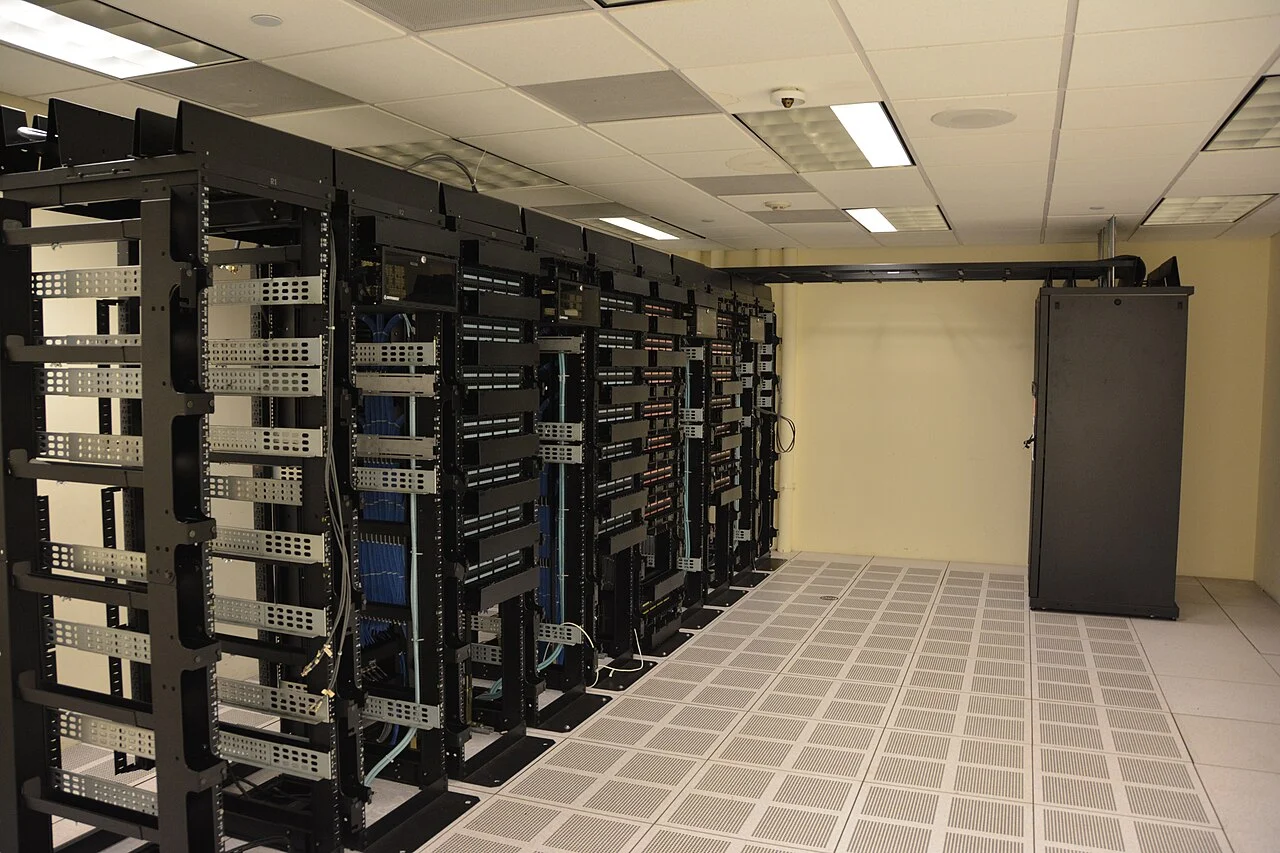
When planning a dedicated server in Madrid, decide what a healthy application looks like before the first deployment. Record the requests it should handle, the processes you expect to run and the free space you want to retain. Use these objectives to choose which measurements and alerts you will configure. The 10 Gbps port listed in the catalogue is one specification; an operational checklist should also track the application itself and the resources used by its services.
On a Linux installation that uses systemd, journalctl can filter journal entries by service unit and time interval. That makes it possible to examine the records around a restart or a deployment without reviewing the entire journal. Keep notes on configuration changes so that you can compare them with the events you observe. Choose a monitoring routine that fits your software and your own response process, then revisit it as the workload changes. These are deployment practices to plan for your selected server.
_(26064061764).jpg)
.jpg)