Memory128 GB DDR4 ECC Registered
Storage100 TB HDD + 500 GB SSD (OS)
Network port10 Gbps
LocationFrankfurt
Germany•Frankfurt•10 Gbps
Compare 11 storage servers in Frankfurt with a 10 Gbps port, from 600 EUR/month. Review CPU, RAM, storage and the price of each configuration.
From 600.00 € / month · 11 configurations
Monthly server prices. Ask on Telegram about the included operating system and the additional IPv4 addresses you need.
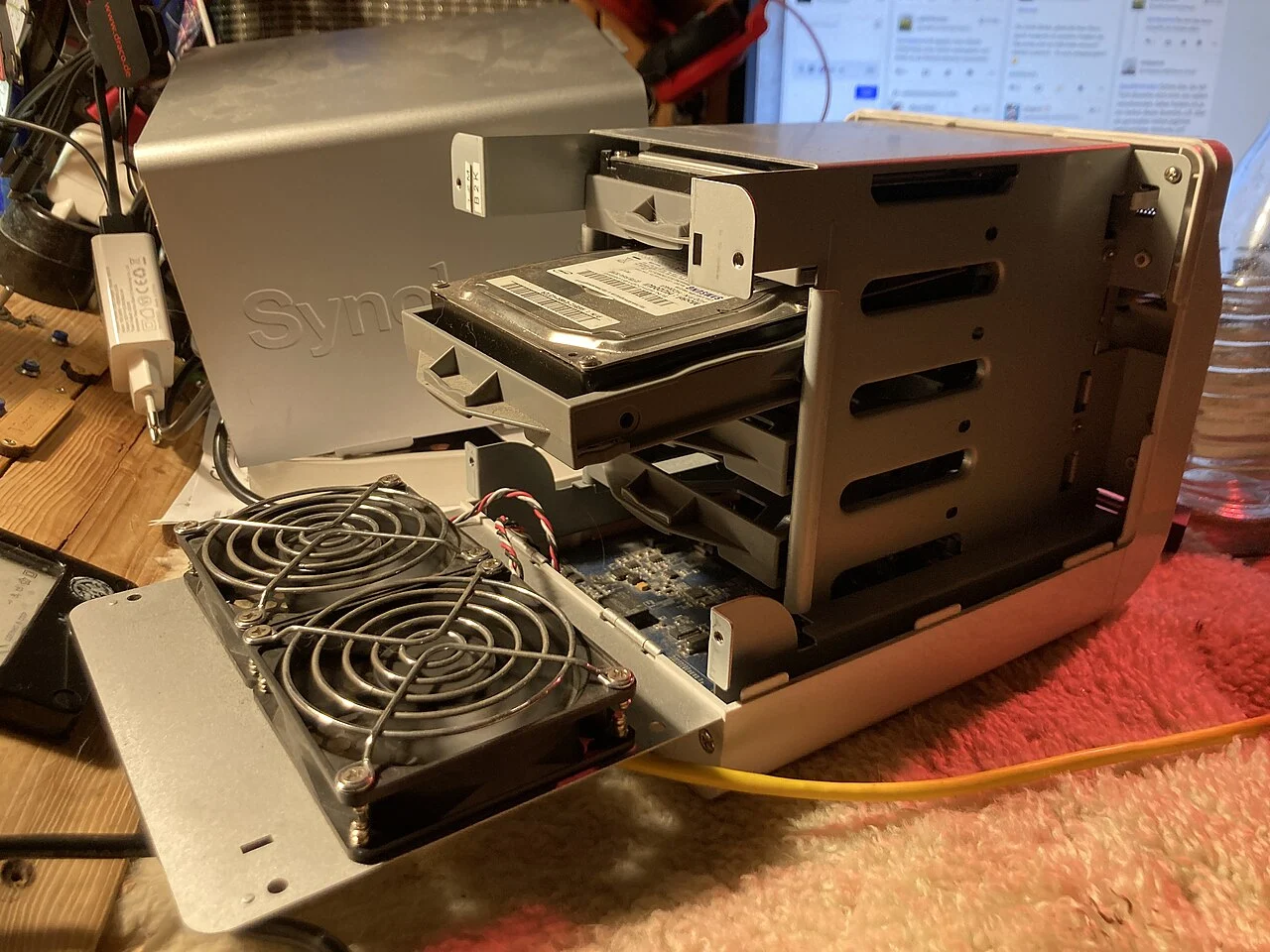
The Germany Storage category offers eleven HDD capacities from 100 to 600 TB in Frankfurt. When preparing an archive, decide how someone will retrieve a specific collection months after it was imported. Record the collection name, the location of its files and the software needed to read them. Include a small example of the material a user may request, and define the check that establishes whether the returned data is usable for its intended purpose.
NIST contingency guidance includes testing recovery arrangements. Apply that principle to your own archive by retrieving a representative collection and opening it with the intended application, rather than checking only that a filename appears in a directory. Keep the result with the archive record and identify who will update the instructions when file formats or software change. Compare the Frankfurt Storage plans with the collections you will retain and the process required to make a requested dataset usable again.
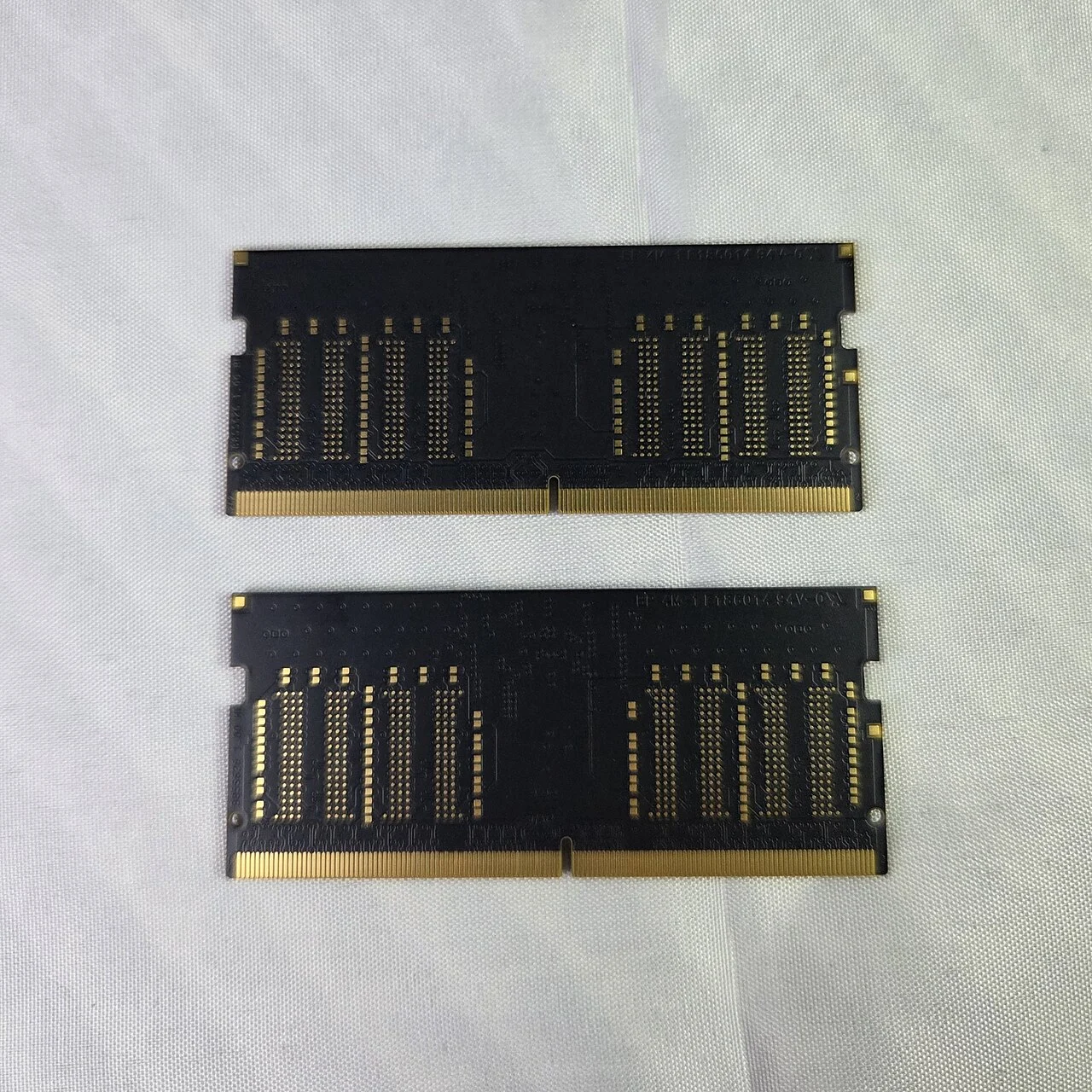
Each Germany 10 Gbps Storage plan lists a 500 GB SSD for the operating system in addition to its HDD capacity. Before installation, describe where your application expects to find its data and which paths belong to the system setup. Keep those path requirements with the chosen Frankfurt plan, including the accounts that use them. This helps the administrator prepare a layout that matches the software, without inferring a disk arrangement or a preconfigured filesystem from the capacity shown in the catalogue.
findmnt is documented as a tool for displaying mounted filesystems and related mount information. If it is available in your chosen Linux environment, use the relevant checks to confirm that the expected data path refers to the intended mount. Test the application's behaviour when that path is unavailable and record the result. Keep the layout description current when the installation changes. Prepare any filesystem or installation questions alongside your Storage capacity selection before requesting the server configuration.

